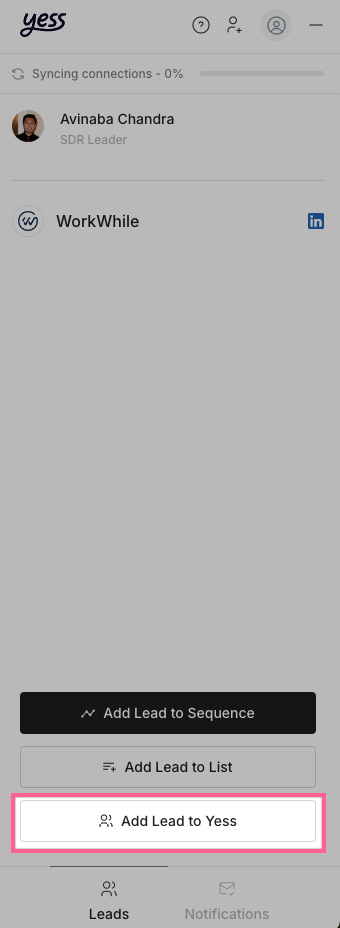

Learn how to add leads to Yess directly from LinkedIn using our Chrome extension.

Prerequisites

Make sure you have:
  • Installed the Yess Chrome extension
  • Connected your LinkedIn account
  • Logged into LinkedIn

Adding Leads

1

Open LinkedIn Extension

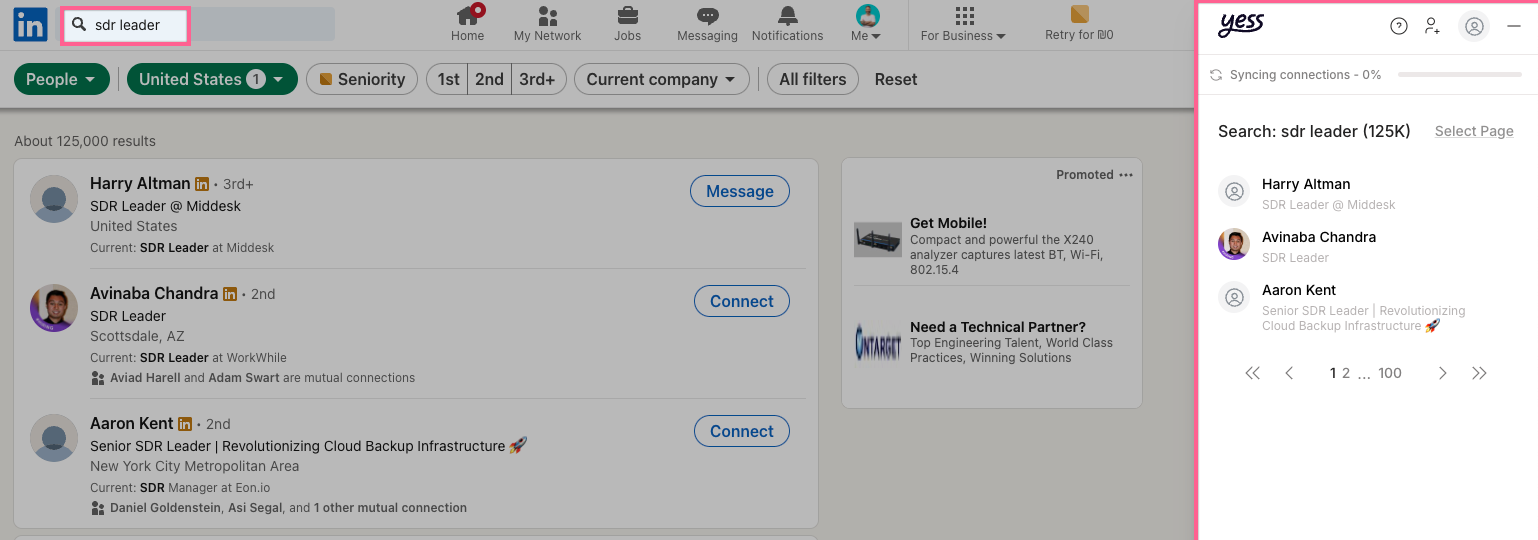
Click the Yess toggle on the right side of your LinkedIn page
2

Find Leads

You can find leads through:

LinkedIn Search

Use LinkedIn’s standard search
Sales Navigator

Use advanced Sales Navigator filters
3

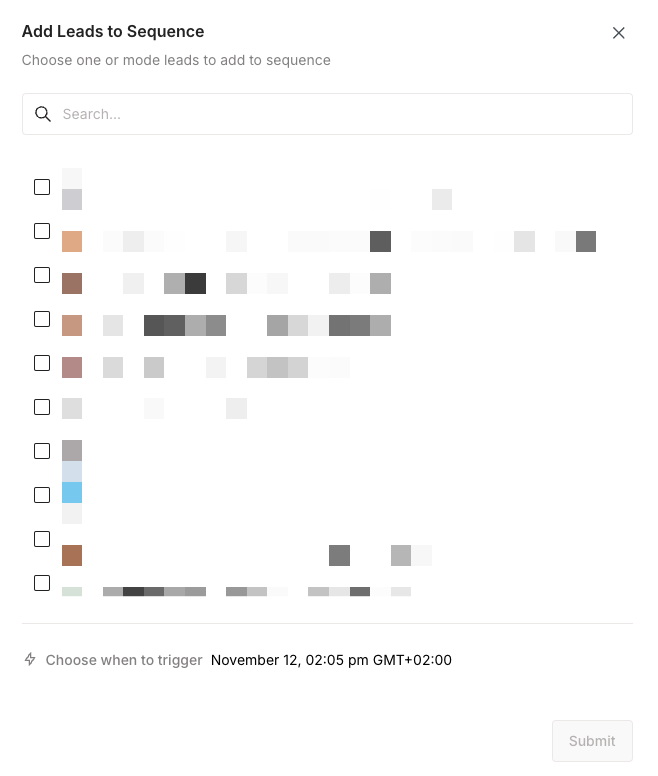
Select Leads

Click the checkbox next to one or more leads you want to add
4

Add to Yess

Click “Add lead to Yess” from the extension menu
5

Verify Addition

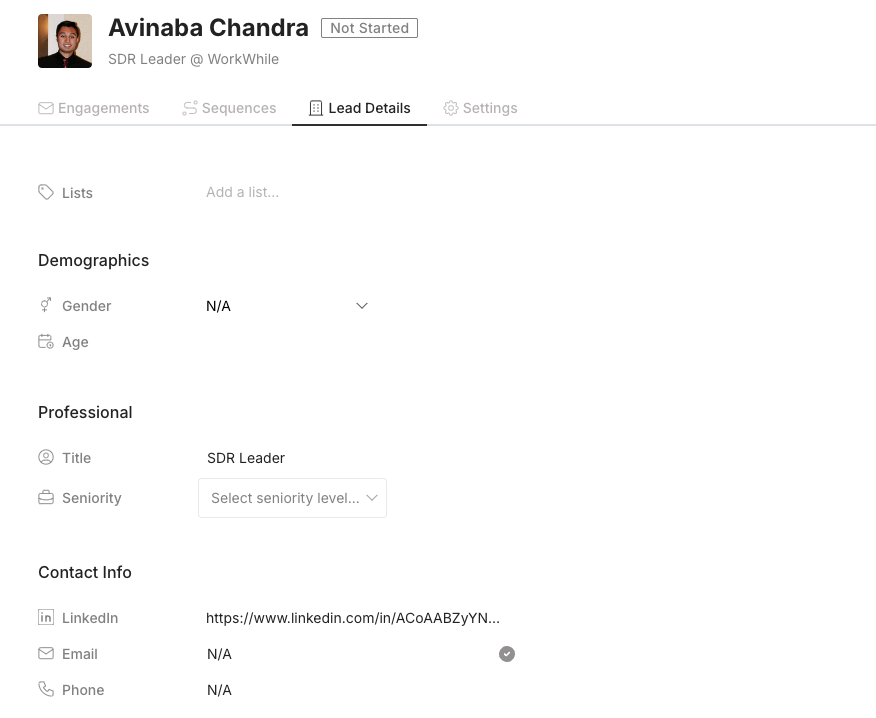
Check your Leads Dashboard to confirm the leads were added
You can bulk-select multiple leads to add them