
Creating a New Template
Navigate to Sequences
Go to Sequences Templates in your dashboard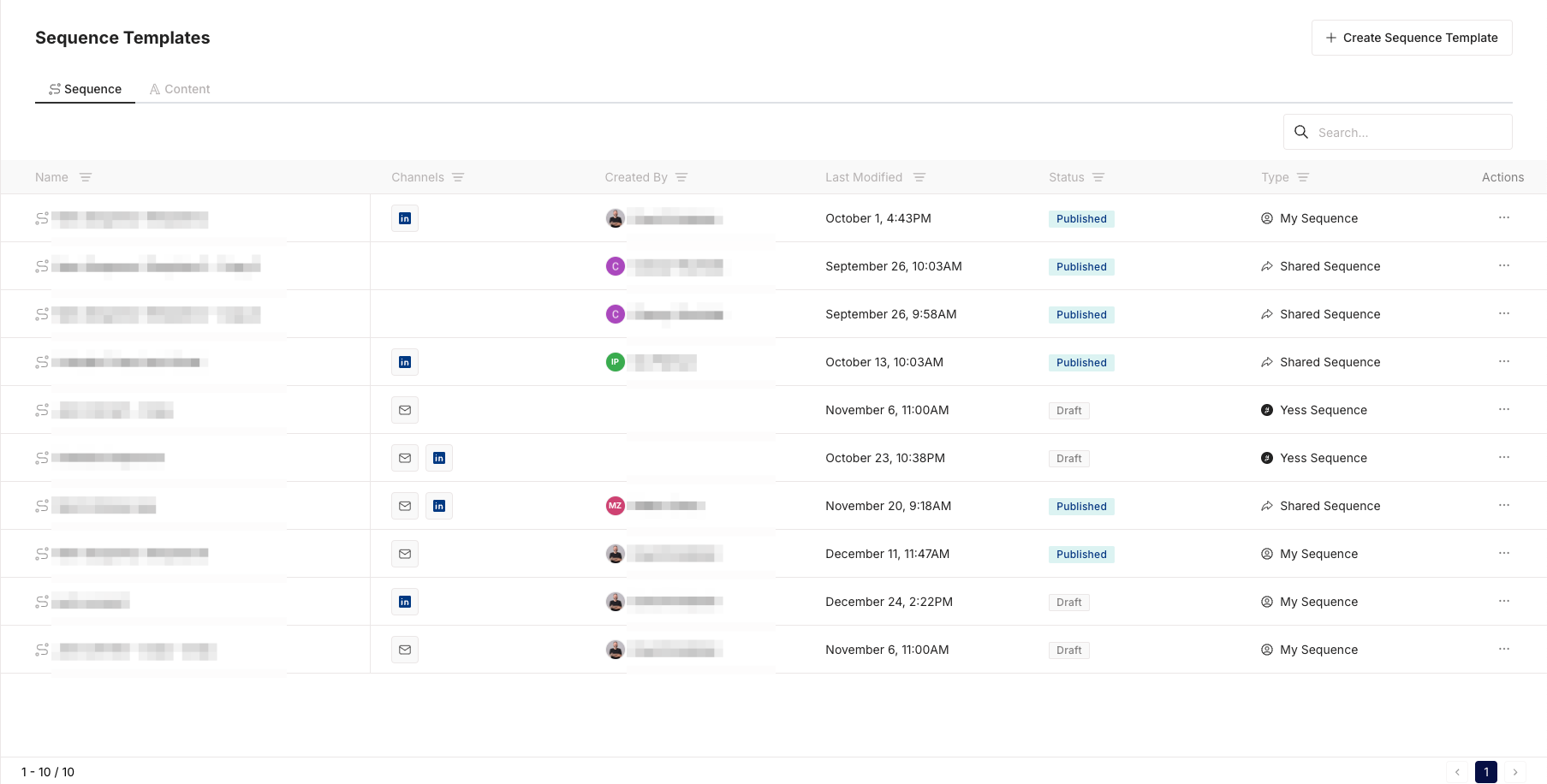
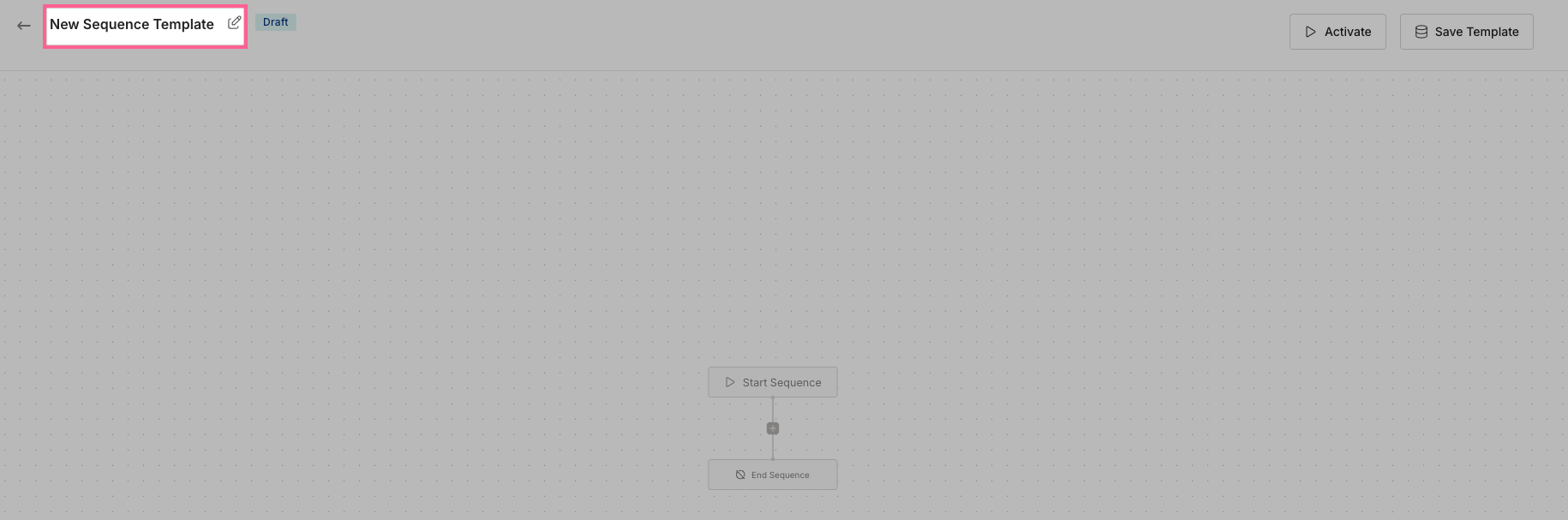
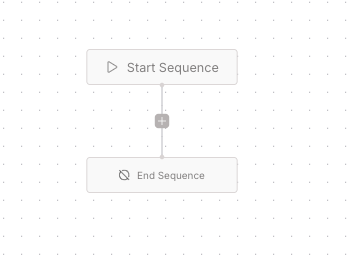
Adding Steps
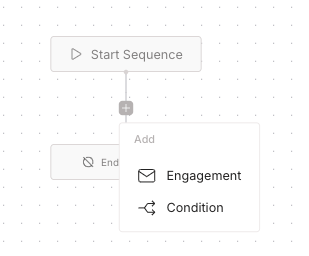
Configure Step
For Engagements: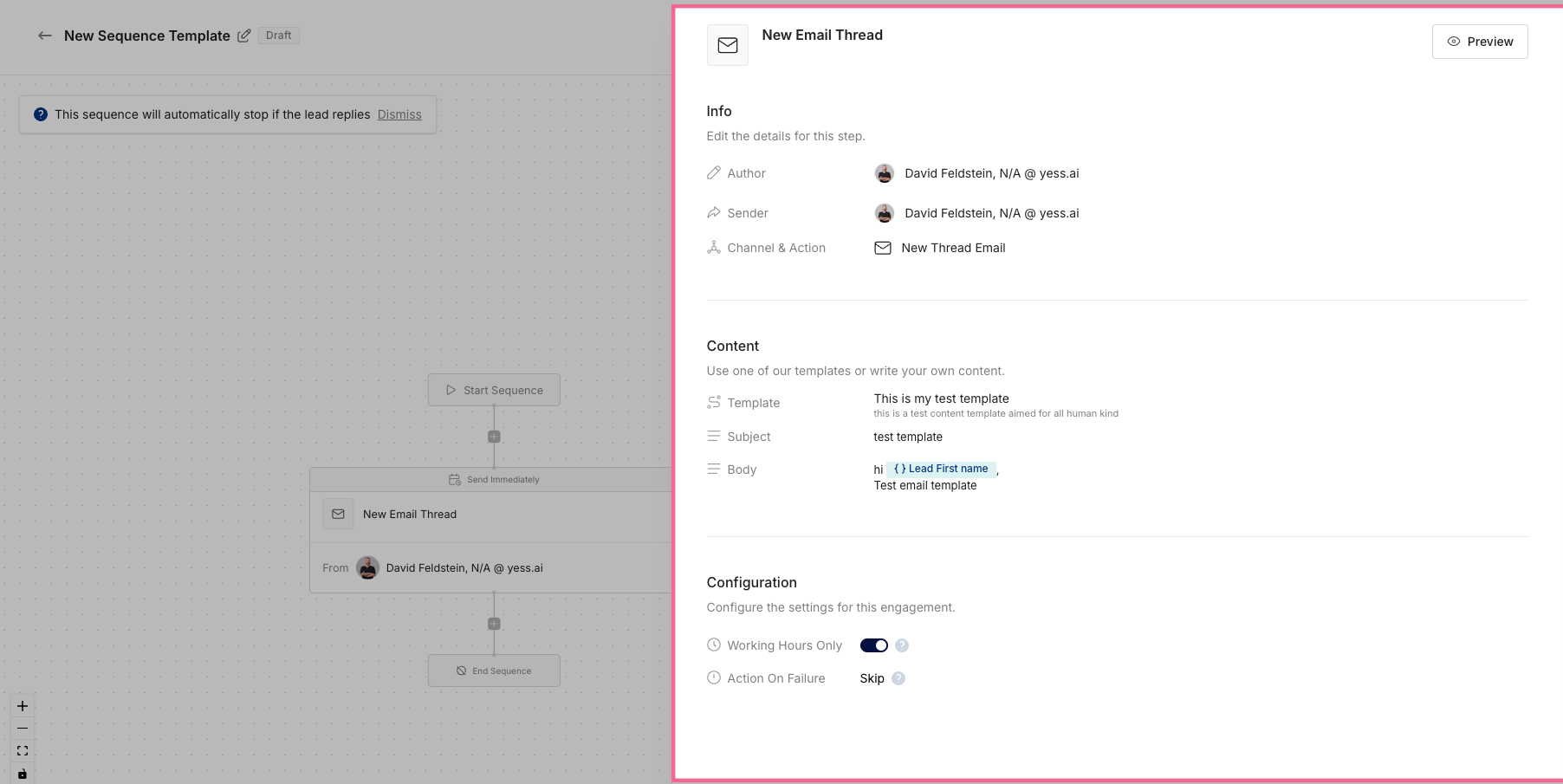
- Click “Click to Edit”
- Info
- Select Sender (The sponsor of the engagement)
- Select channel & Action (LinkedIn Connect, LinkedIn Message, New Thread Email, Follow Up Email)
- Content
- Template (Optional) - If you have a content template saved, you can select it here
- Subject (If you selected New Thread Email)
- Body (If you selected New Thread Email or Linkedin Message)
If you selected LinkedIn Connect, you will not be able to edit the subject or body.In the Body, you can use the Dynamic Variables to personalize the message when writing ’{{’
- Configuration
- Working Hours (Boolean)
- Action on Failure (Retry engagement or Skip engagement)
- Sponsor inactivity (Optional) - if it’s a sponsored engagement, Set the time window to wait for a response from the sponsor in case of inactivity.
Branching Logic
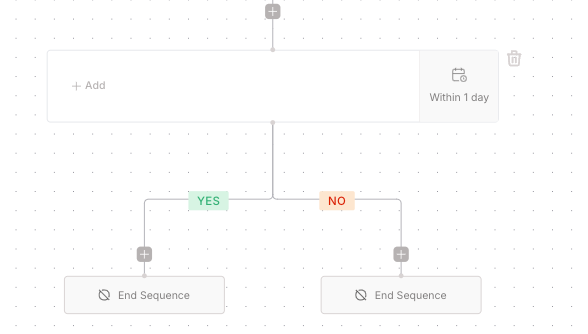
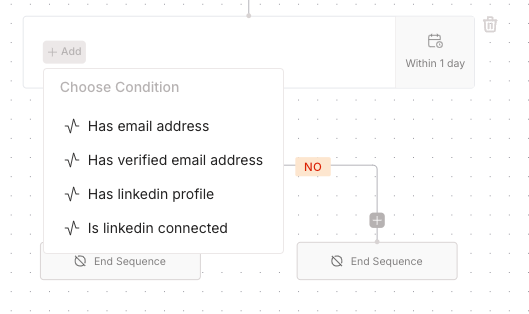
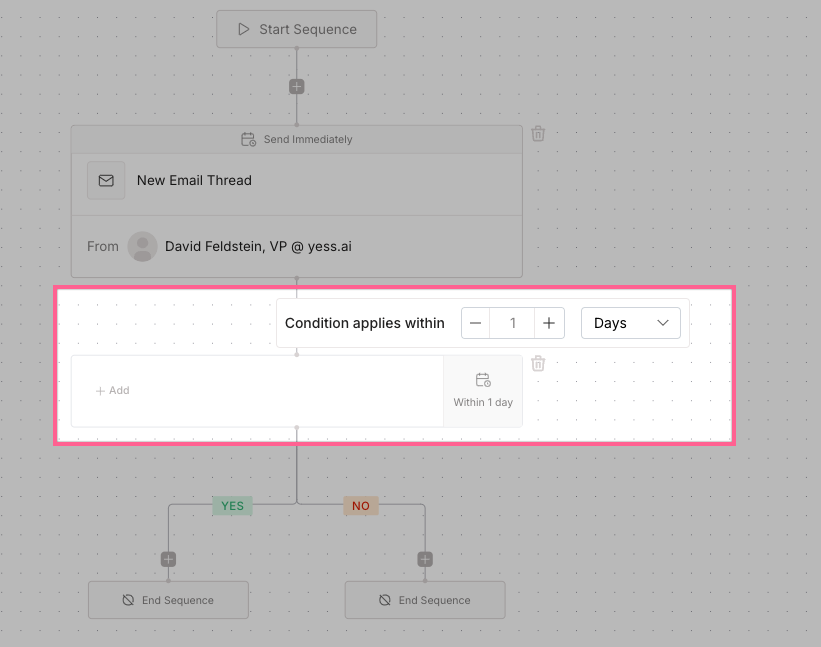
Available conditions:
- Lead has LinkedIn Profile
- Lead has Email
- Lead has Phone Number
- Lead has Title
Finalizing Template
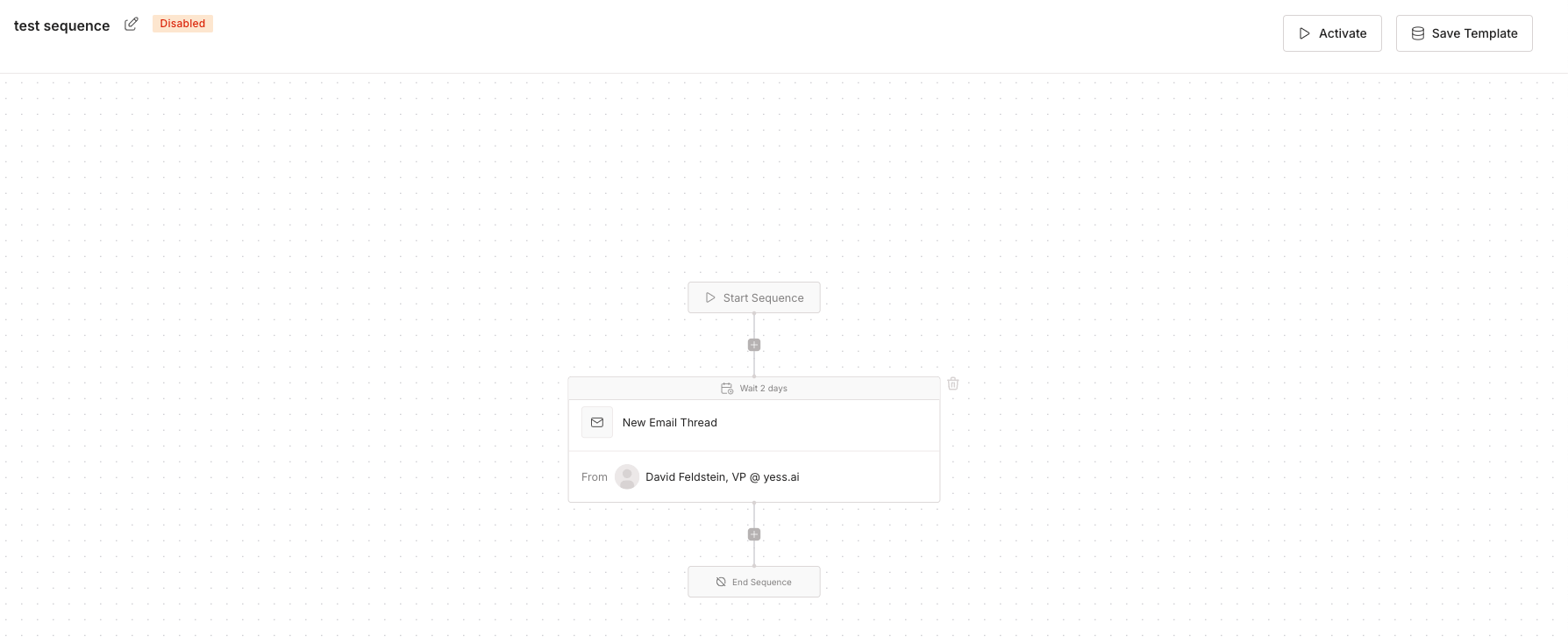
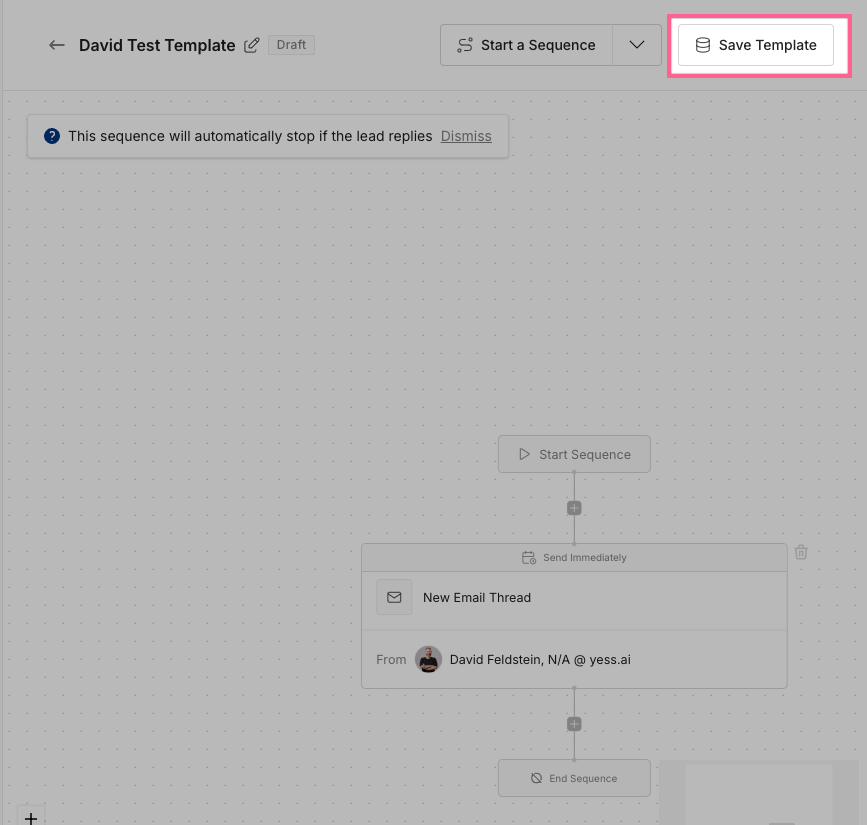
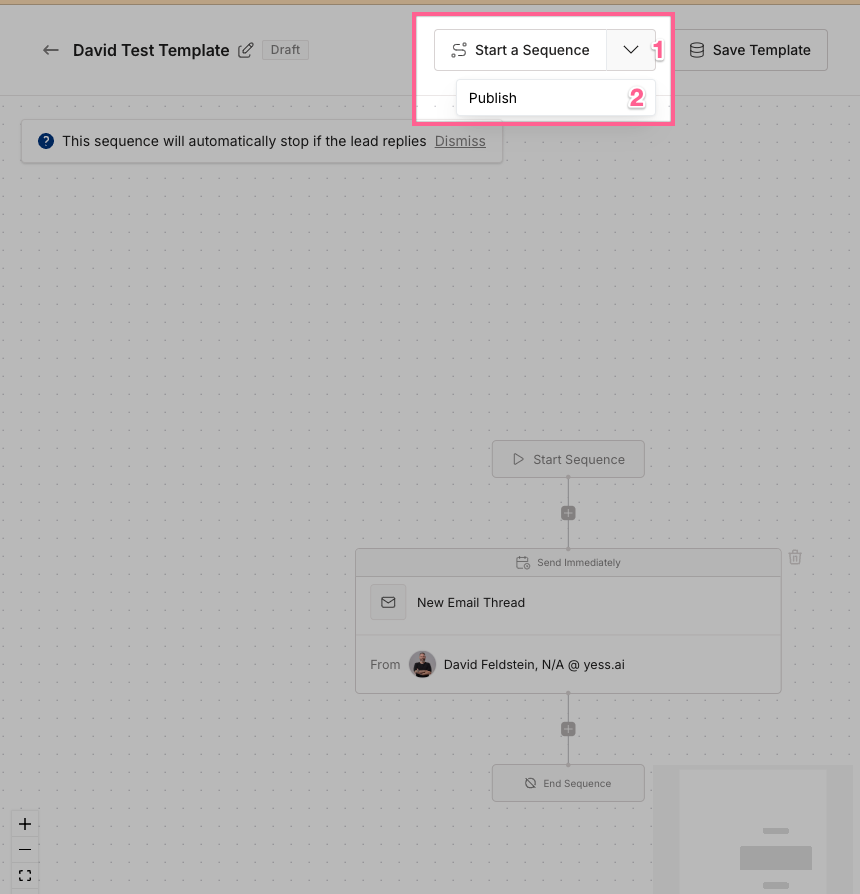
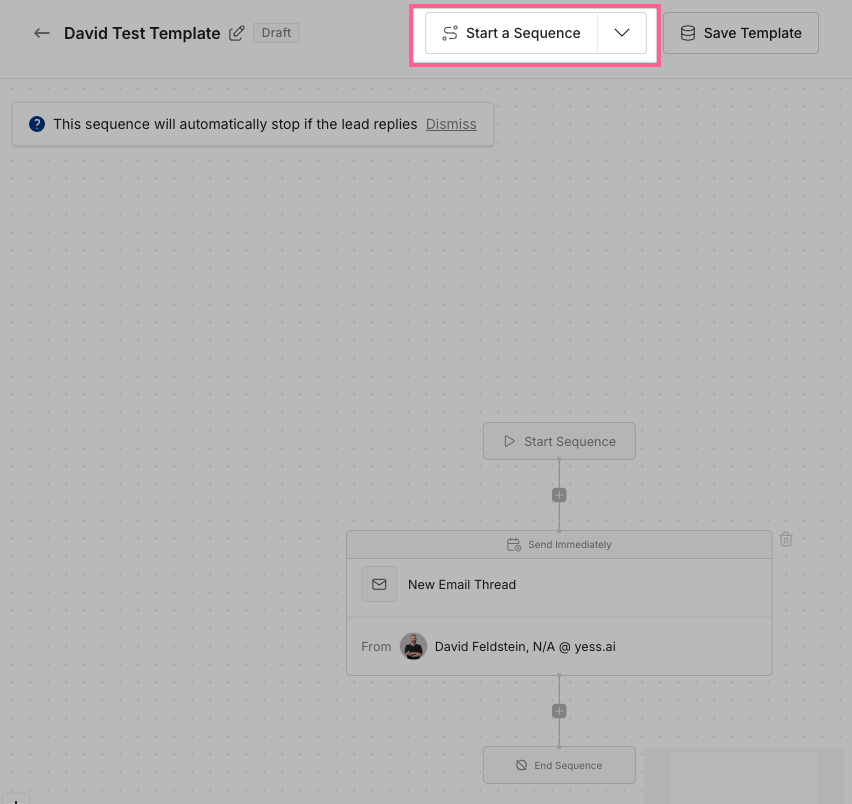
Templates can be edited at any time, but changes won’t affect sequences that are already running.