

Overview
Yess’s LinkedIn integration enables automated outreach, connection management, and engagement tracking directly from LinkedIn.
Setup Process
- Navigate to Integrations
- Click on LinkedIn
- Follow the extension installation prompt
Install Chrome Extension
Click “Install Here” to be redirected to the Chrome Web Store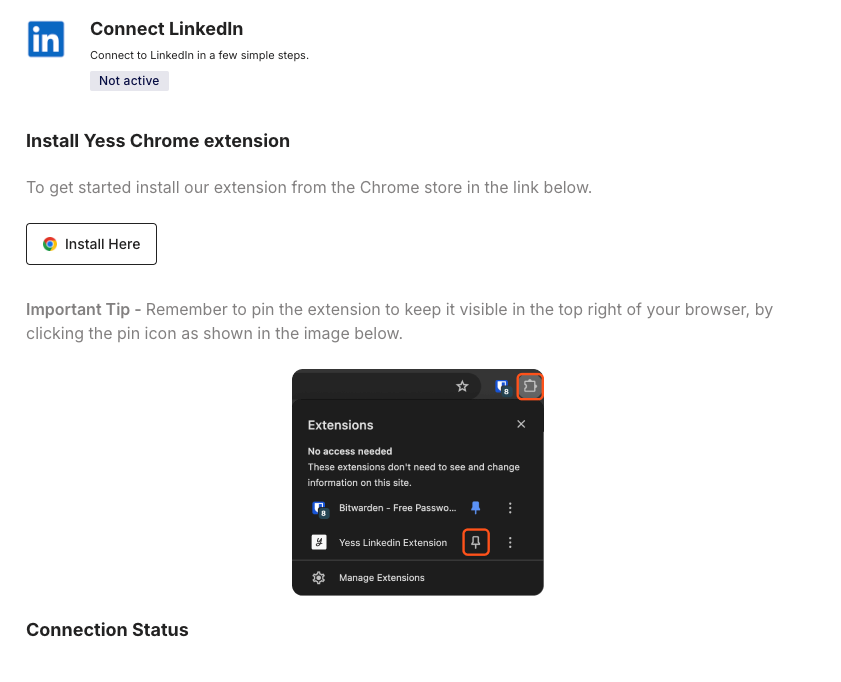
Get the extension directly from the Chrome Web Store

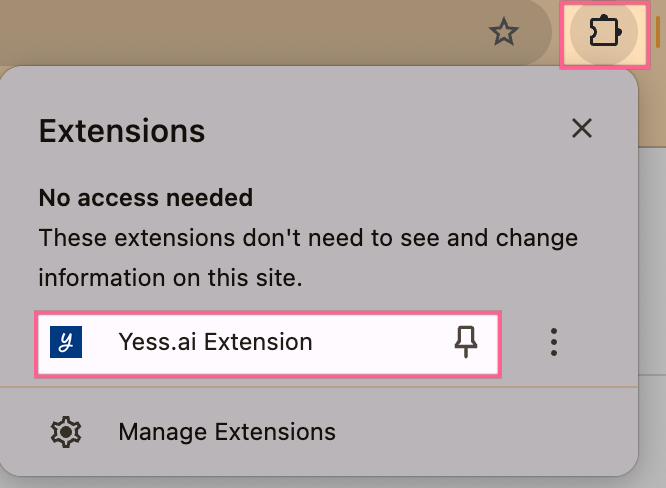
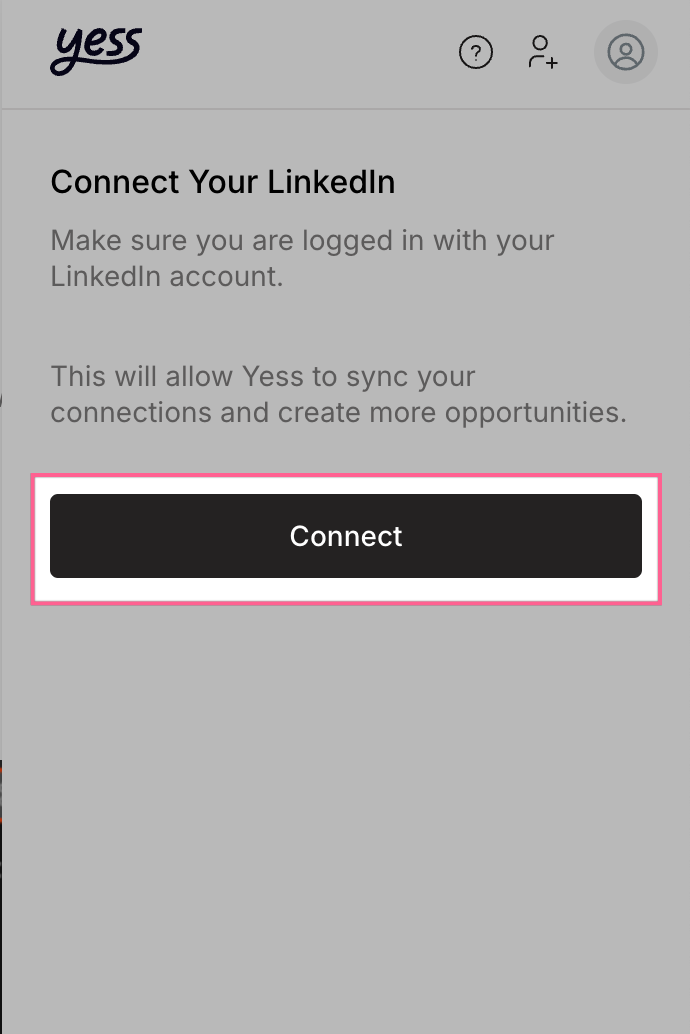
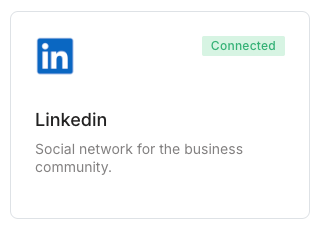
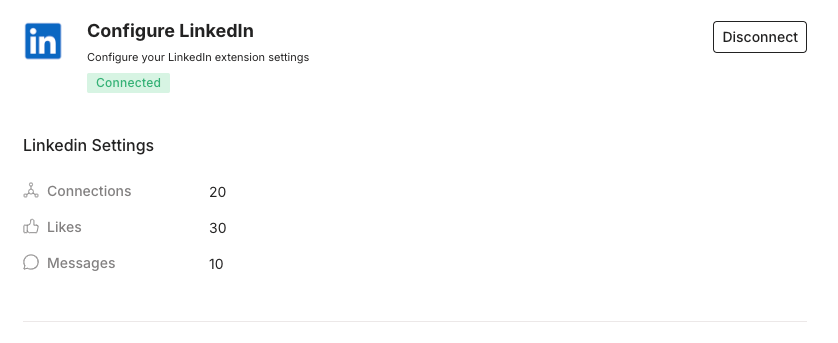
Using the Extension
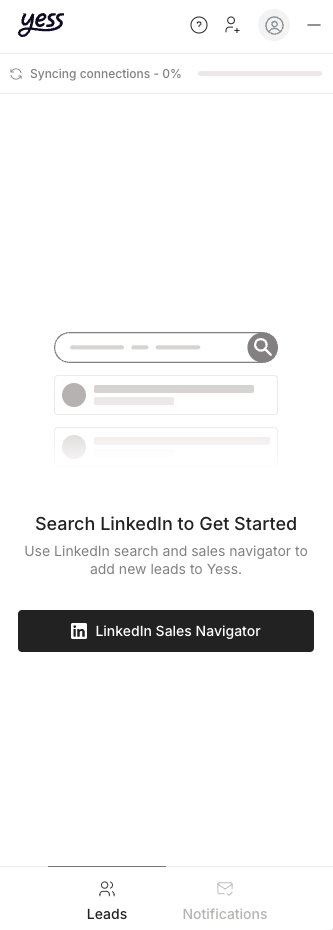
Add Leads to Yess
add leads to Yess, in order to engage with them using pre-built templates or custom messages
Add Leads to Sequences
Engage with your connections using pre-built templates or custom messages
Best Practices
- Always personalize your connection requests
- Respect LinkedIn’s daily limits
- Use sequence templates for consistent messaging
- Monitor engagement rates through the dashboard