
Overview
Yess’s notification system allows you to stay updated on important activities through Slack or email, ensuring you never miss critical updates.
Configuration Process
- Navigate to Integrations
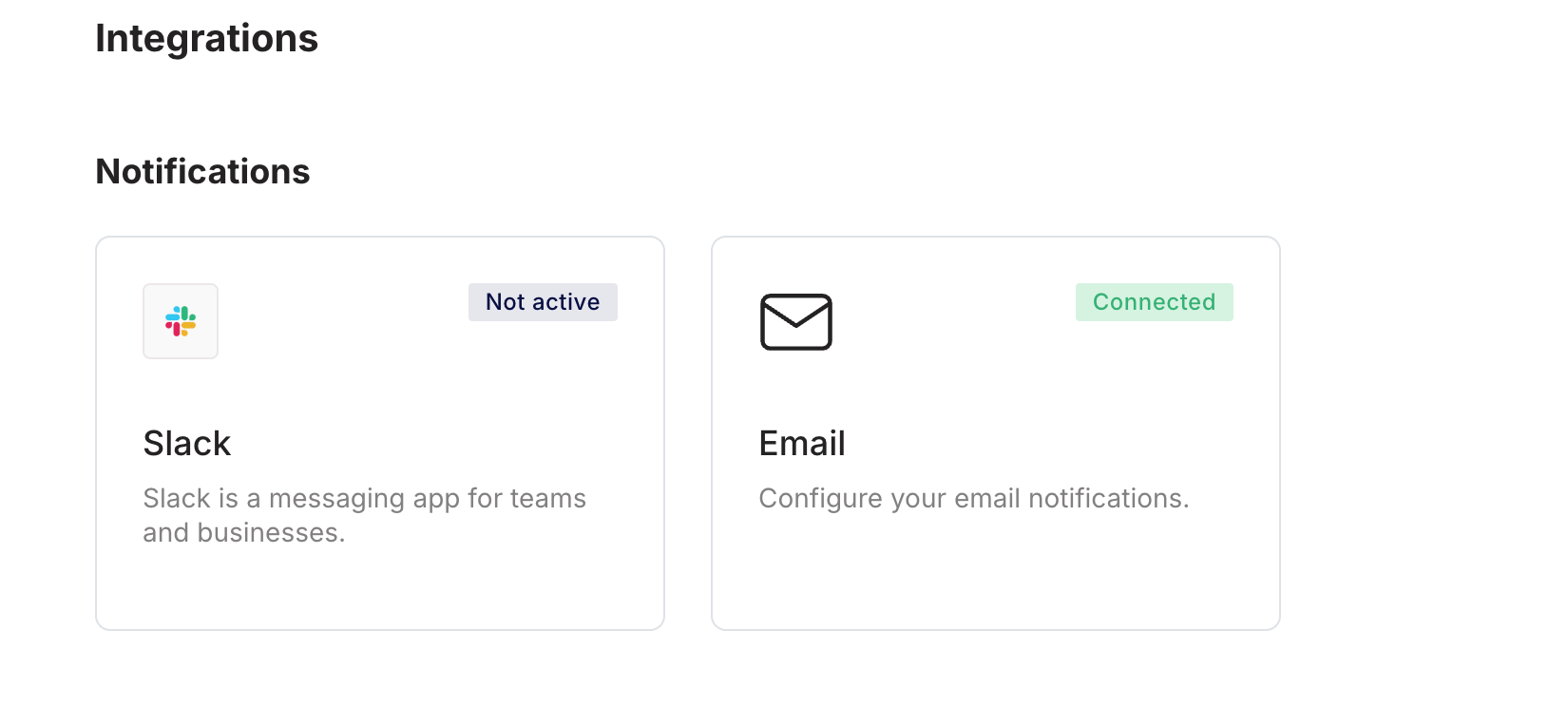
- Choose your preferred notification channel (Slack or Email)
Selecting one channel helps avoid duplicate notifications.
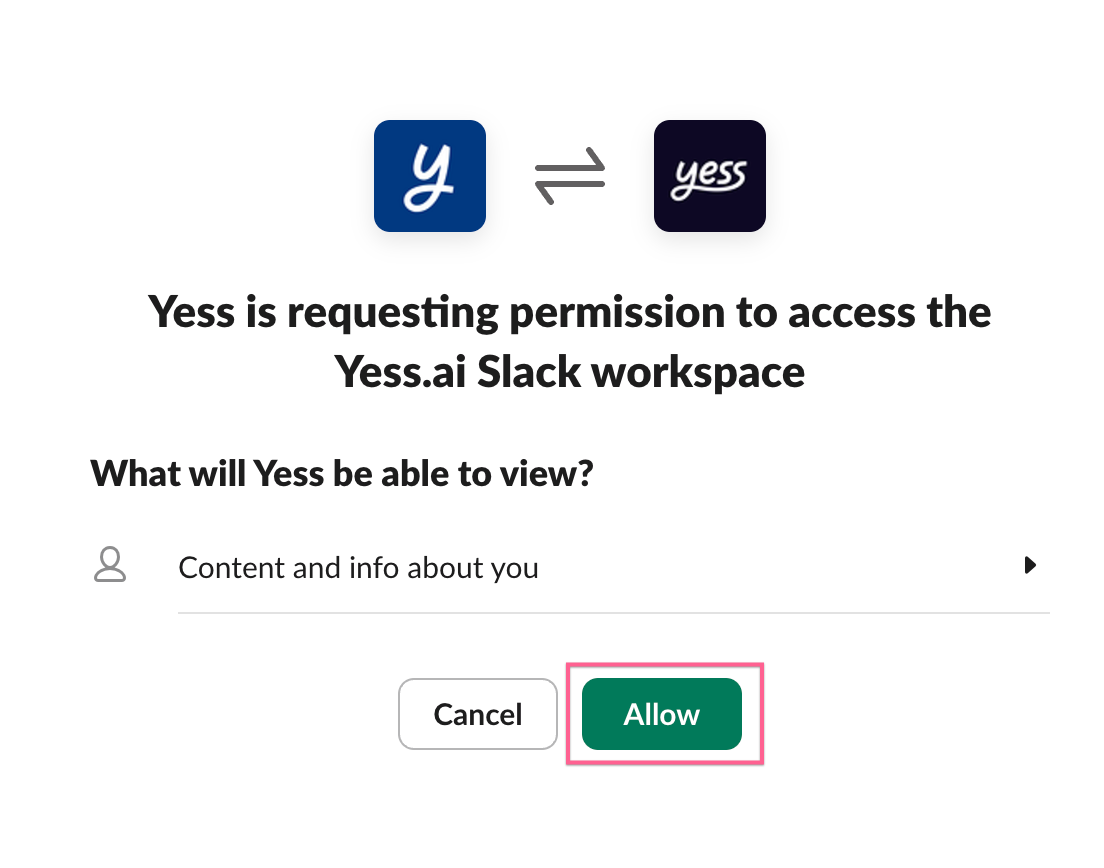
Configure User Notifications
Adjust your notification settings based on your role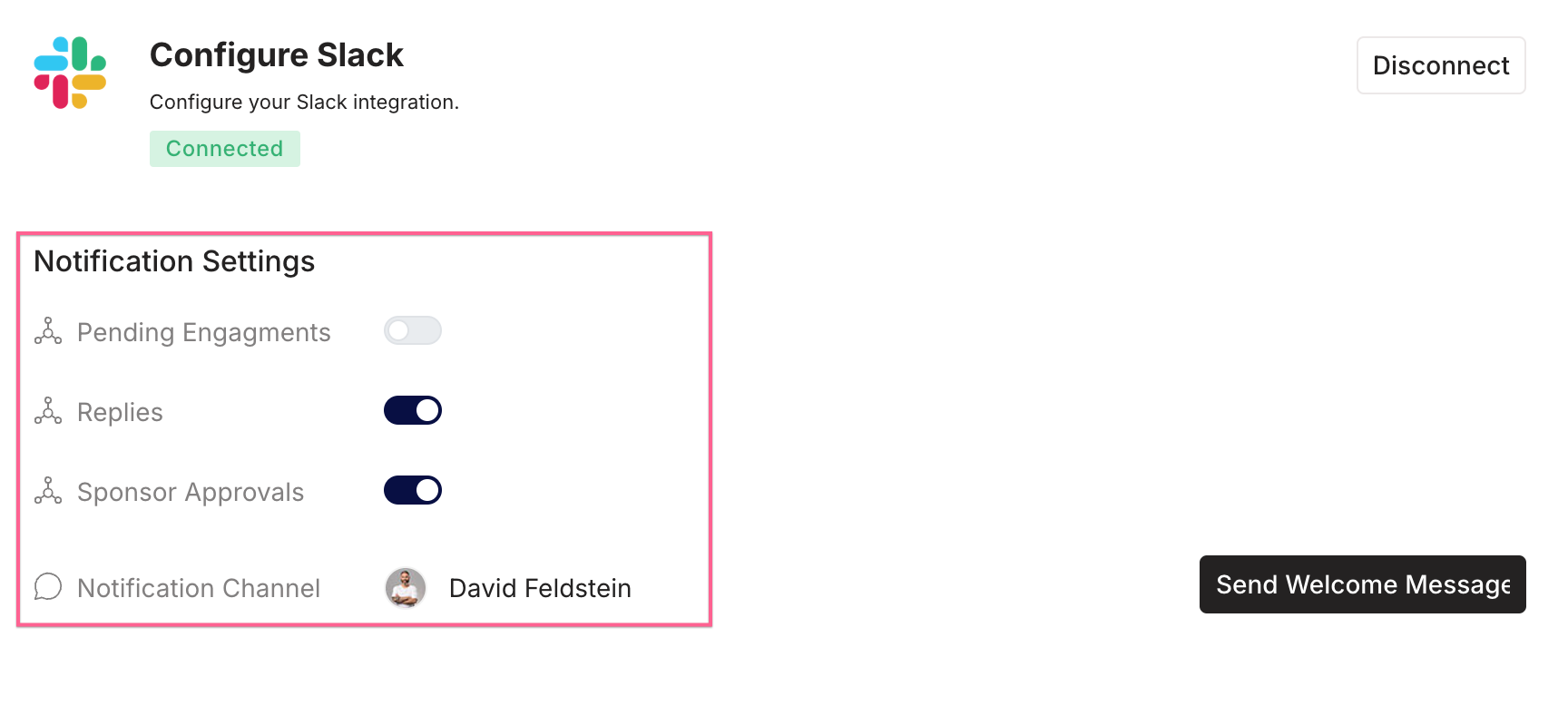
- Disable notifications for pending engagements
- Enable notifications for replies and sponsor approvals
Configure Sponsor Notifications
Set your notification preferences as a sponsor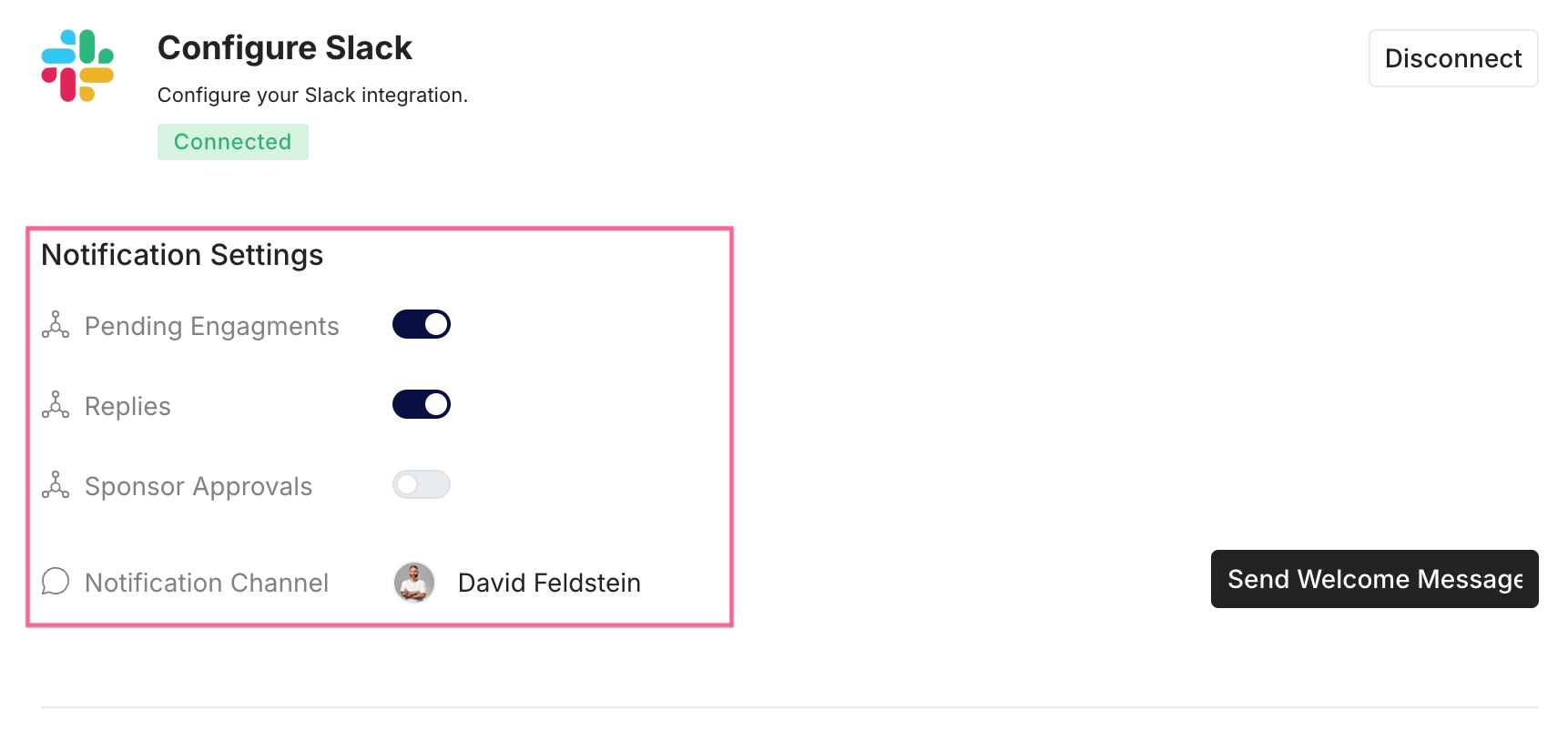
- Enable notifications for pending engagements
- Disable notifications for sponsor approvals
- Optional: Enable notifications for replies

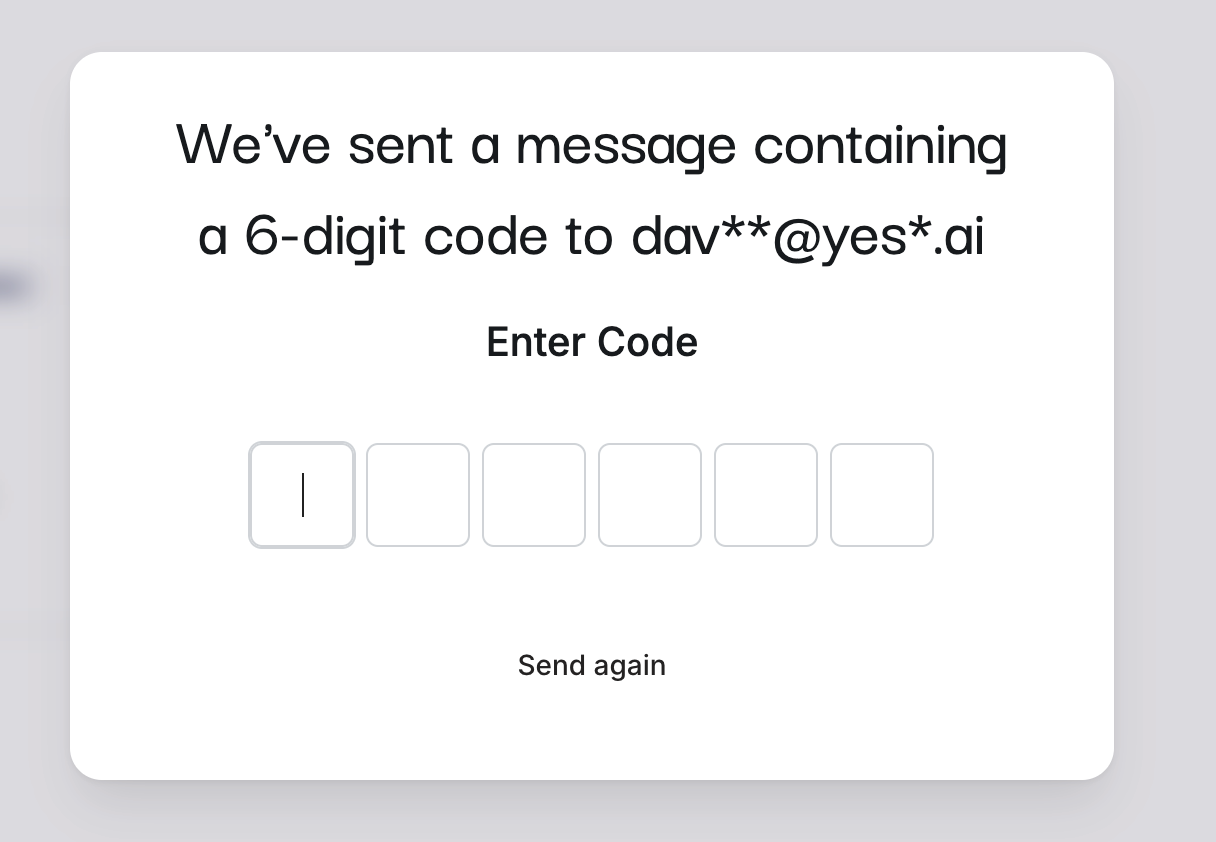
Configure User Notifications
Adjust your notification settings based on your role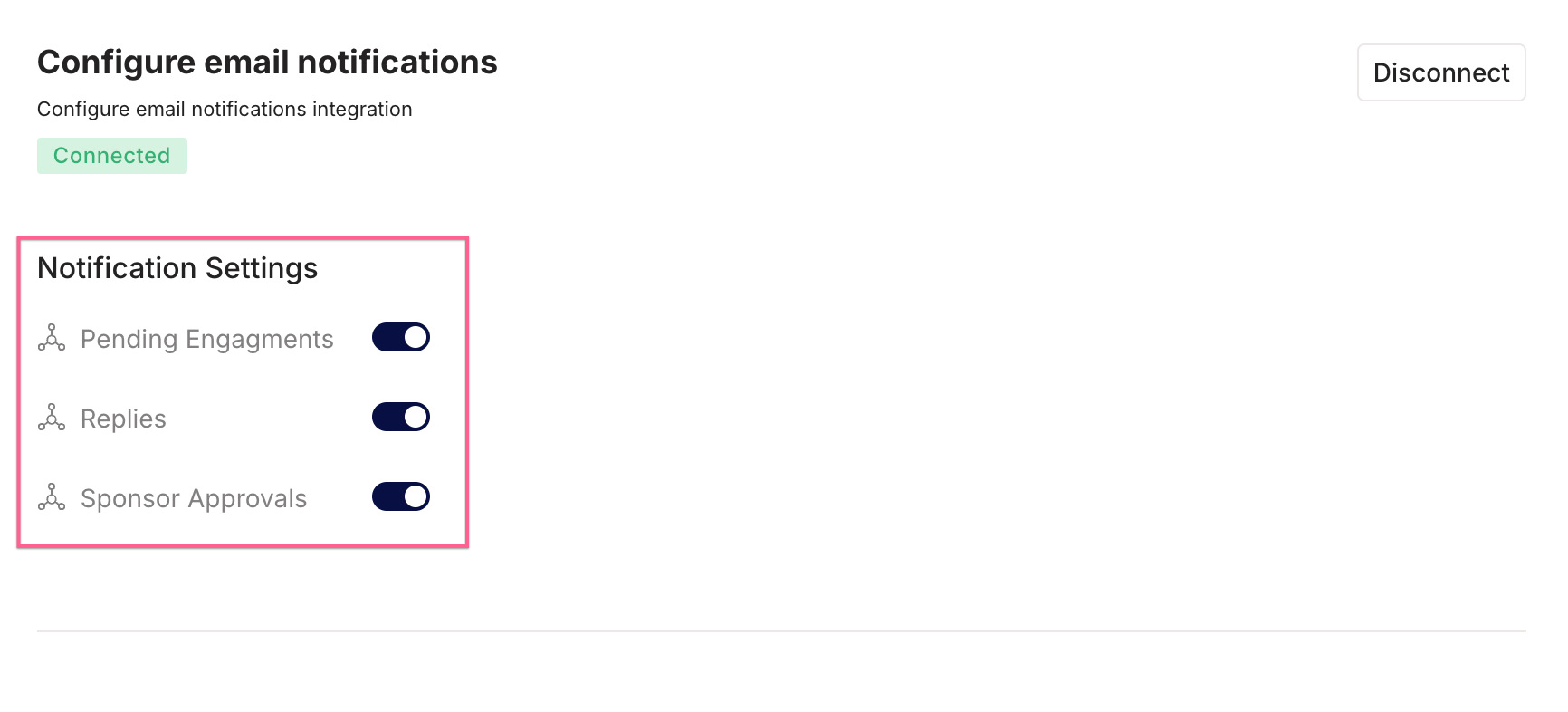
- Disable notifications for pending engagements
- Enable notifications for replies and sponsor approvals
Configure Sponsor Notifications
Set your notification preferences as a sponsor
- Enable notifications for pending engagements
- Disable notifications for sponsor approvals
- Optional: Enable notifications for replies

Best Practices
- Disconnect one notification channel to avoid redundancy
- Tailor notifications to your role to receive only relevant updates